Trademarks, patents (https://www.uspto.gov/trademarks/basics/trademark-patent-copyright#) , and copyrights (https://www.uspto.gov/trademarks/basics/trademark-patent-copyright#) are different types of intellectual property (https://www.uspto.gov/trademarks/basics/trademark-patent-copyright#) . The USPTO (https://www.uspto.gov/) grants patents and registers trademarks. The U.S. Copyright Office (https://www.copyright.gov/) at the Library of Congress registers copyrights. Use the IP Identifier (https://ipidentifier.uspto.gov/) to learn what kind of intellectual property you have. Once you identify your IP needs, click the following links below for further information on how to register your properties: Patent Process Overview (https://www.uspto.gov/patents/basics/patent-process-overview) Trademark Process Overview (https://www.uspto.gov/trademarks/basics/trademark-process) Copyright Registration Tutorials (https://www.copyright.gov/eco/tutorials.html)
Answered by: Kendall Caple
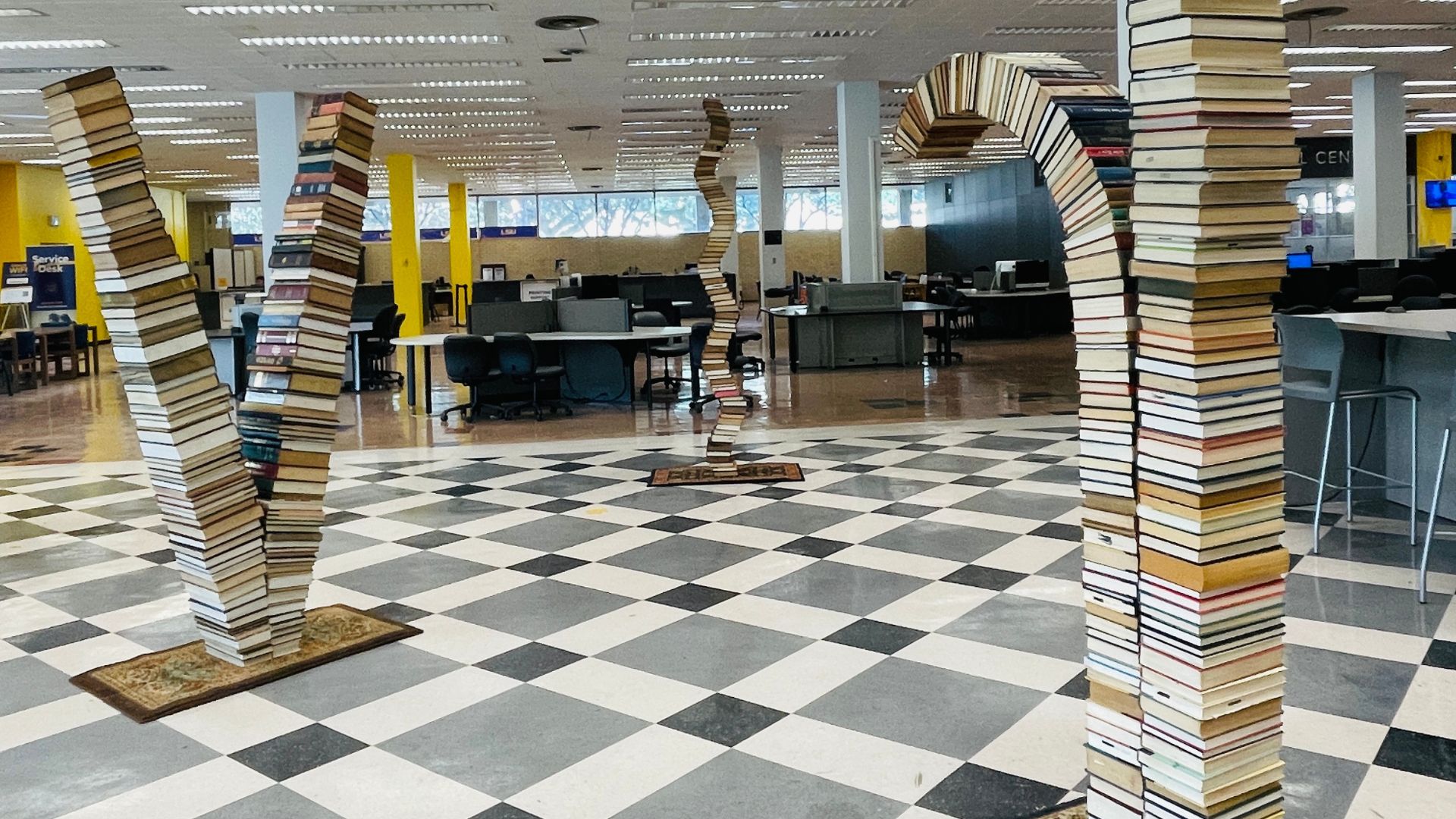
The library provides space for different kinds of activities including quiet study space and collaborative group workspaces. You can reserve one of these rooms by visiting the link below.
- Study rooms are only available for students with a valid LSU email address.
- Study rooms close one hour before the library is scheduled to close.
- Group study spaces can be booked for a maximum of three hours per day.
- Individual study booths can be booked for a maximum of 14 consecutive days.
LSU Libraries | Study Spaces
Related: What sort of study spaces are available in the library?
Answered by: Access Services Staff
To save relevant search results in Discovery, you first need to create a MyEBSCO account (https://connect.ebsco.com/s/article/How-to-Create-and-Manage-a-My-EBSCO…) . With your account created, you now have the option to save search results to your MyEBSCO folder (https://connect.ebsco.com/s/article/How-to-Use-the-My-EBSCOhost-Folder?…) by clicking the small blue folder icon next to a relevant result. NOTE: If you save search results without logging into your MyEBSCO account, the saved results will disappear after you close your browser. eResources Staff
Answered by: Electronic Resources
WiFi access is available to LSU students, faculty, staff, visitors who participate in eduroam, as well as sponsored guests. For detailed instructions and troubleshooting, please refer to the Connect to Wireless (https://grok.lsu.edu/article.aspx?articleid=5252) article. See also: Can non-affiliates/public patrons access LSU Wi-Fi? (https://askus.lib.lsu.edu/circulation/faq/378377?m=p) eResources Staff
Answered by: Electronic Resources